
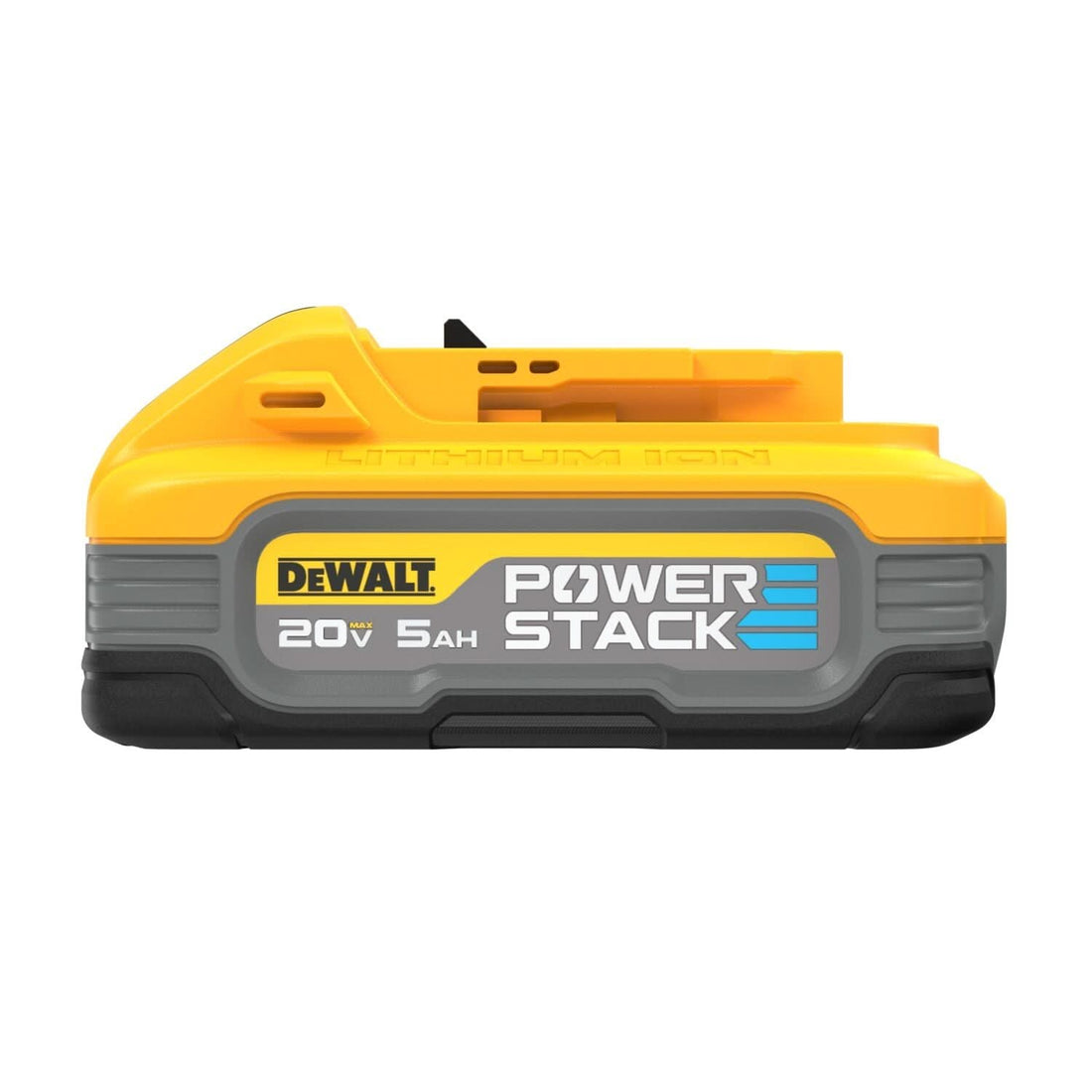
Can a DeWalt 20V Battery Charge a MacBook? (Yes — Here's the Right Way for Your Model)
Short answer: yes. A DeWalt 20V MAX battery can charge any MacBook — but the right method depends on your Mac. MacBook Air (13" or 15") and MacBook Pro 13": the 65W USB-C fast charger adapter snaps onto your battery and charges at full or near-full speed — no inverter, no wall outlet needed. MacBook Pro 14" or 16": those models draw more than 65W under real workloads, so you need the 150W power inverter with your Apple charger instead. Both accessories work with every DeWalt 20V MAX pack. Here's exactly what you need.
Which DeWalt 20V Setup Works for Your MacBook?
| MacBook Model | Wattage Needed | Right Accessory | Result |
|---|---|---|---|
| MacBook Air 13" (M2/M3/M4) | 30W | 65W USB-C Fast Charger | ✅ Full speed |
| MacBook Air 15" (M2/M3/M4) | 35W | 65W USB-C Fast Charger | ✅ Full speed |
| MacBook Pro 13" M2 | 67W | 65W USB-C Fast Charger | ✅ Full / near-full speed |
| MacBook Pro 14" M3/M4 | 70–96W | 150W Inverter + Apple charger | ✅ Full speed |
| MacBook Pro 16" M3/M4 | 140W | 150W Inverter + Apple charger | ⚠️ Light/sleep use; see caveat below |
Both accessories work with all DeWalt 20V MAX and 20V/60V MAX FLEXVOLT batteries (including 20V MAX XR packs), 2Ah through 9Ah.
Option 1 — 65W USB-C Fast Charger (MacBook Air and MBP 13")
This is the cleaner solution: no bulk, no noise, no wall outlet. The adapter clips onto your DeWalt battery; a USB-C cable runs straight to your MacBook.
How to connect it: Battery → USB-C adapter → USB-C cable → MacBook's Thunderbolt / USB-C port. Same port you normally charge from.
Why 65W is enough: MacBook Air draws 30–35W over USB-C — the adapter has plenty of headroom. MacBook Pro 13" peaks closer to 67W at max demand, but 65W covers light-to-moderate work at full speed. You won't notice the 2W gap during normal use.
Cable matters — don't skip this. Use a USB-C to USB-C cable rated for Power Delivery, labeled "PD," "60W+," or "100W." Thin data-only USB-C cables won't deliver enough current to charge a MacBook. The cable that came with your Apple charger works fine.
For a broader look at DeWalt USB-C charging options, see our complete USB-C charging guide.
→ USB-C Fast Charger with LED Screen
Option 2 — 150W Power Inverter (MacBook Pro 14" and 16")
MacBook Pro 14" wants 70–96W depending on configuration. MacBook Pro 16" tops out at 140W. The USB-C adapter caps at 65W — not enough for sustained heavy use on either of those machines.
How to connect it: Battery → 150W inverter → plug in your Apple USB-C charger → MacBook. The 120V outlet works with any USB-C power brick, including the 96W and 140W adapters Apple ships with those models.
MBP 16" caveat: Apple's 140W charger and our 150W inverter leave just 10W of headroom. For sleep mode, email, video playback — it's fine. Under full CPU/GPU load, a MacBook Pro 16" can briefly spike above 150W total draw, at which point the inverter's protection circuit may slow or pause charging. That's physics, not a defect. Manage the workload while charging in the field and you won't hit this often.
Bonus: The inverter's 120V outlet can run other devices at the same time — a phone charger, LED lamp, or small tool — as long as total draw stays under 150W.
Still deciding between the adapter and inverter for your use case? See our adapter vs. inverter comparison.
→ 150W Power Inverter
How Long Will Your DeWalt Battery Last Charging a MacBook?
The math is straightforward: 20V × Ah rating = nominal watt-hours. Through the USB-C adapter, roughly 85% of that reaches your MacBook — a standard figure for USB-C PD conversion efficiency. That's an estimate, not a measured result; actual output varies with battery age, temperature, and what your Mac is doing while it charges.
| DeWalt Battery | Nominal Wh | Usable Wh (~85%) | MacBook Air M2 13" (52.6Wh) | MacBook Pro 13" M2 (58.2Wh) |
|---|---|---|---|---|
| 2Ah (DCB203) | 40Wh | ~34Wh | ~65% charge | ~58% charge |
| 4Ah (DCB204) | 80Wh | ~68Wh | Full charge + top-up | Full charge (~117%) |
| 5Ah (DCB205) | 100Wh | ~85Wh | ~1.6 full charges | ~1.5 full charges |
| 6Ah (DCB206) | 120Wh | ~102Wh | ~1.9 full charges | ~1.75 full charges |
*Estimates based on nominal Wh × 85% efficiency. Results vary with battery condition, ambient temperature, and MacBook load during charging.*
A 4Ah or 5Ah pack handles most people's needs — a full charge and change. Carry a 6Ah if you need a true reserve. For inverter runtime math, see our inverter runtime guide.
Frequently Asked Questions
Does the DeWalt USB-C adapter output USB Power Delivery? Yes. MacBooks require USB-C Power Delivery to charge — a standard USB-A port won't work. Confirm PD output on the listing before purchase: our USB-C charger with LED display.
Will a 65W charger damage my MacBook? No. MacBooks use USB-C PD negotiation — the Mac controls exactly how much wattage it draws. A 65W source on a 30W MacBook Air only delivers 30W. There's no risk from a higher-rated charger.
Which DeWalt batteries work with these adapters? All DeWalt 20V MAX batteries, 2Ah through 9Ah. Check the compatibility statement on each product listing to confirm your specific pack.
Do I need a special USB-C cable? Yes. Use a cable rated for Power Delivery — labeled "PD," "60W+," or "100W." Thin data-only USB-C cables won't carry enough current. The cable that came with your MacBook's charger works.
Can I use a DeWalt FLEXVOLT battery? FLEXVOLT packs switch between 60V (in FLEXVOLT tools) and 20V (in 20V MAX accessories). When plugged into the USB-C charger or inverter, they operate at 20V — so the watt-hour math above still applies. The USB-C fast charger is explicitly listed as compatible with FLEXVOLT 60V MAX batteries.
How does this compare to charging a MacBook from a Milwaukee M18 battery? Same concept — USB-C adapter or inverter, different battery platform. See the M18 side for that setup: our Milwaukee M18 MacBook charging guide.
If you're on MacBook Air or MBP 13", grab the USB-C fast charger — it's the compact, no-fuss setup and works off any DeWalt 20V MAX pack you already own. Step up to a 5Ah or 6Ah battery if you need more than one full charge without a wall outlet in sight.
MacBook Pro 14" or 16"? The 150W inverter is the right call. Use it with your existing Apple charger and you've got a legitimate field power station.
Pick what fits your Mac: USB-C Fast Charger for MacBook Air and MBP 13", 150W Power Inverter for MBP 14" and 16", or browse our full DeWalt accessory collection for more options.