
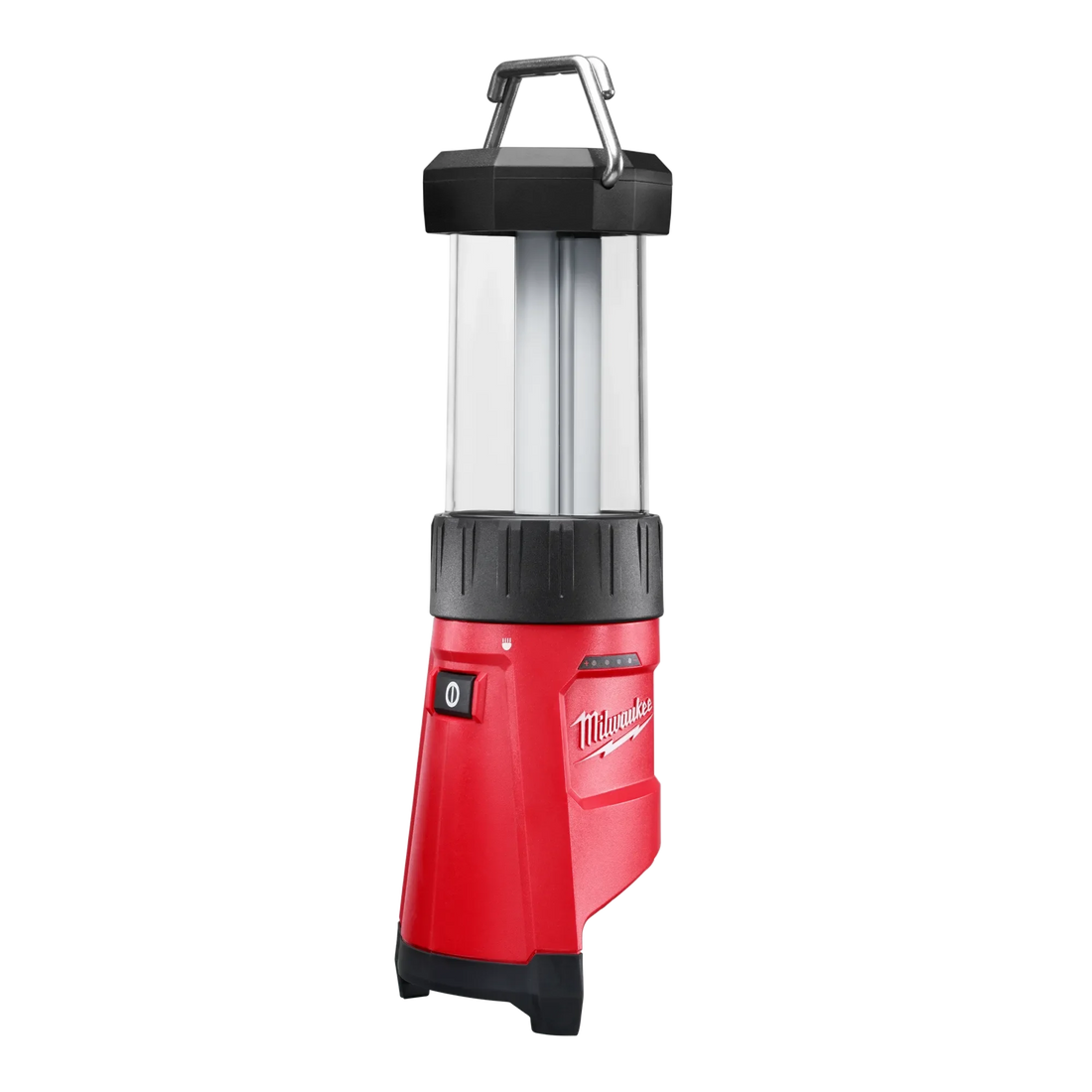
Milwaukee REDLITHIUM USB Explained: What It Is (and What It Isn't)
Milwaukee REDLITHIUM USB is a built-in, USB-rechargeable lithium-ion battery sealed inside the tool — mostly lights, flashlights, and headlamps. It is not an M12 or M18 battery. You don't swap packs; you plug in a cable. The confusion is real: Milwaukee uses "REDLITHIUM" as a brand name across all three systems, but they are completely separate. If a product says "REDLITHIUM USB," the battery is built in and charges via USB-C (newer models) or micro-USB (older models). No separate battery pack required — and none compatible.
REDLITHIUM USB vs. M12 vs. M18 — Three Separate Systems
What REDLITHIUM USB Actually Is
REDLITHIUM USB tools have a small lithium-ion cell built directly into the housing. It charges through a port on the tool — same as your phone. There is no battery compartment, no pack to slide off, no charger terminal on the base. When the tool is dead, you plug it in. When it's full, you unplug it and go.
Milwaukee designed this for tools where pack weight is a liability — headlamps, pocket flashlights, hard hat lights. Slapping an M12 battery on a headlamp turns it into a neck workout. The built-in cell keeps the tool light and the price down.
Why Milwaukee Uses "REDLITHIUM" for All Three
"REDLITHIUM" is Milwaukee's brand name for their lithium-ion cell technology across everything they make. It signals quality — not swap compatibility. M12 batteries are REDLITHIUM. M18 batteries are REDLITHIUM. The built-in cell in a flashlight is REDLITHIUM too. Different form factors, different voltages, zero interchangeability.
The word that matters in the product name is "USB." That tells you the charging method and the system.
| REDLITHIUM USB | M12 | M18 | |
|---|---|---|---|
| Battery swappable? | No — built in | Yes | Yes |
| Voltage | ~3.6 V cell (internal) | 12 V platform | 18 V platform |
| Charged via | USB-C / micro-USB | M12 charger | M18 charger |
| Used in | Lights, headlamps | Small tools, lights | Full-size tools |
| Battery user-replaceable? | No | Yes | Yes |
Which Milwaukee Tools Use REDLITHIUM USB?
Lighting only. Flashlights, flood lights, headlamps, hard hat lights. That's the entire category.
No drill, saw, impact driver, or grinder uses REDLITHIUM USB. Those all run M12 or M18. Here are the REDLITHIUM USB models we carry, with confirmed lumen outputs where available:
| Model | Type | Lumens |
|---|---|---|
| 2162-21 | Slide Focus Flashlight | 2,000 L |
| 2161-21 | Twist Focus Flashlight | 1,100 L |
| 2160-21 | Compact Flashlight | 800 L |
| 2113-21 | Pivoting Flashlight | 500 lm |
| 2114-21 | Pivoting Flood Light | 550 lm (high mode) |
| 2115-21 | Low-Profile Headlamp | 600 lm (Flood High mode) |
| 2116-21 | Beacon Hard Hat Light | 600 lm |
| 2112-21 | Rover Pocket Flood Light | 445 lm (high mode) |
On charge ports: newer models — roughly the 2160 generation and forward — moved to USB-C. Older ones like the 2108 era used micro-USB. The exact connector varies by model, so check your specific tool's spec tab before buying a cable.
The 2,000L Slide Focus Flashlight is the flagship — 2,000 lumens with adjustable focus in a pocket-sized package. The Beacon Hard Hat Light is the trade pick for anyone working in a hard hat.
How to Charge Milwaukee REDLITHIUM USB Tools
Wall Charging
No proprietary charger, no Milwaukee-specific hardware needed.
- USB-C models: Any USB-C charger works — phone brick, laptop adapter, multi-port wall block. Higher wattage charges faster on compatible models.
- Micro-USB models: Any micro-USB charger works. These are older tools; most new purchases today are USB-C.
No charger terminal, no battery compartment, no $50 Milwaukee charger required.
Jobsite Charging Without a Wall Outlet
This is the piece most people miss.
You can't plug an M18 battery directly into a REDLITHIUM USB tool — wrong connector, different voltage. But you can clip an M18 USB adapter onto any M18 pack. That adapter outputs 65W USB-C. Run a cable from it to the charge port on your REDLITHIUM USB tool and it charges — no wall outlet needed. Your existing M18 packs become a jobsite charging hub for every REDLITHIUM USB tool on the crew.
Same principle works with M12 — there's an M12 USB adapter for M12 users. Either way, your platform batteries are doing double duty. For the full rundown on what that adapter can power, see our M18 USB charger guide.
Real Trade-offs vs. M12-Powered Lights
REDLITHIUM USB is not always the right call.
Choose REDLITHIUM USB if:
- You don't own M12 and aren't planning to
- You want the lightest possible headlamp or pocket light
- You need supplemental task lighting — not full-shift runtime
- You want lower upfront cost (no separate battery pack)
Stick with M12-powered lights if:
- You already own M12 batteries and a charger
- You need to run lights for a full shift without stopping to recharge
- You want one battery type powering everything on your belt
The honest trade-off: built-in cells are smaller than any M12 pack you'd run. Expect meaningfully less runtime than an equivalent M12-battery-powered light. And when the internal cell eventually degrades, the tool is done — the battery is sealed, not user-serviceable. That's the real cost of the lighter, cheaper form factor.
For a full side-by-side of the Milwaukee light lineup, see our work light comparison.
FAQ
Is Milwaukee REDLITHIUM USB the same as M12?
No. M12 is a swappable 12V battery platform used in drills, saws, lights, and dozens of other tools. REDLITHIUM USB is a built-in battery inside the tool that charges via USB cable. An M12 battery does not connect to a REDLITHIUM USB tool. Completely separate systems.
What charger do I need for Milwaukee REDLITHIUM USB?
Newer REDLITHIUM USB tools use USB-C — any USB-C charger works. Older models use micro-USB. Check the port on your specific tool. No Milwaukee-specific charger required.
How long does Milwaukee REDLITHIUM USB last on a charge?
Varies by tool and output mode. Expect meaningfully less runtime than an equivalent M12-battery-powered light due to the smaller built-in cell.
Can I replace the REDLITHIUM USB battery?
No. The battery is sealed inside the tool — there are no internally serviceable parts and it cannot be disassembled. When the cell degrades to the point it won't hold a charge, the tool is at end-of-life.
Can I charge Milwaukee REDLITHIUM USB tools from my M18 battery?
Not directly — no direct connector between an M18 battery and a REDLITHIUM USB tool. But clip an M18 USB charger onto your M18 pack, run a USB cable from it to the charge port on your REDLITHIUM USB tool, and it charges. Works anywhere you have M18 packs — no wall outlet needed.
What Milwaukee tools use REDLITHIUM USB?
Primarily lighting: flashlights, flood lights, headlamps, and hard hat lights. Drills, saws, impact drivers, and grinders run M12 or M18 — not REDLITHIUM USB.
How long does REDLITHIUM USB take to charge?
Charge time varies by model and connector type. USB-C models benefit from higher-wattage chargers; check the spec tab for your specific tool.
Still sorting out Milwaukee's naming? Our M18 FUEL primer covers what "M18 FUEL" actually means — same audience, same naming-confusion problem on the power-tool side. And if you're working out the difference between M12 and M18 from the ground up, the M12 vs. M18 breakdown is the right next read.
If you own M18 batteries and want to run REDLITHIUM USB lights on the job, the M18 USB charger is the accessory that makes it work — and it charges phones, tablets, and laptops off the same pack. Browse the full Milwaukee collection for everything that fits your platform.